


EGIA-powered dashboards for contractors
Navigate your financial future with confidence
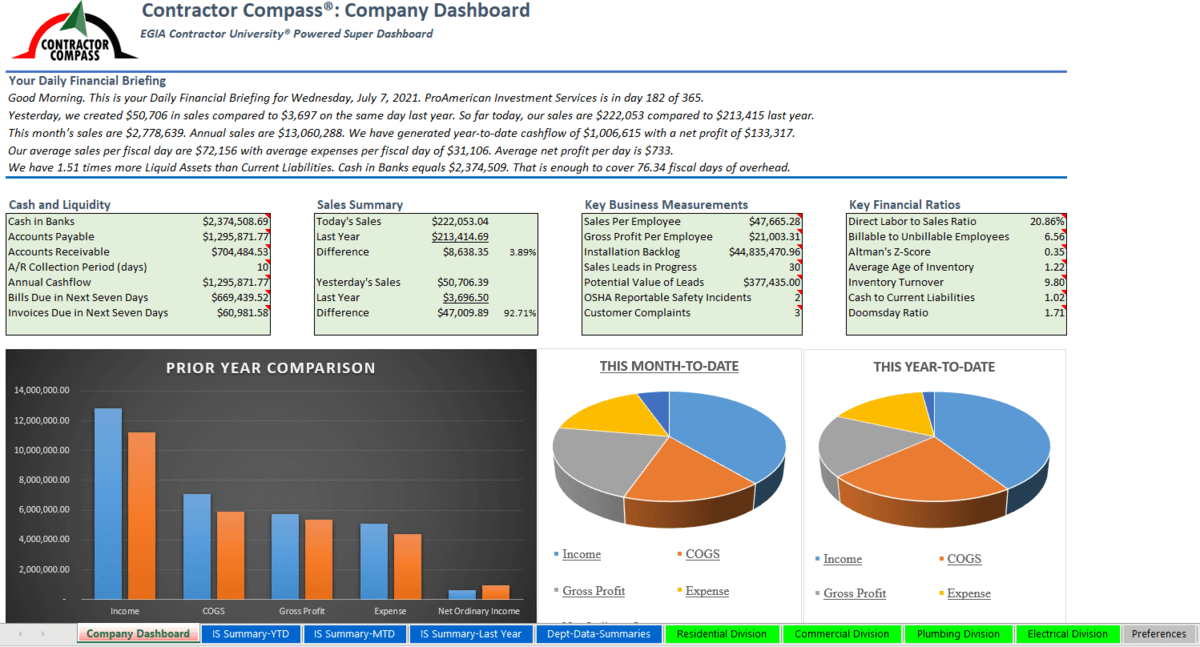
Contractor Compass is a financial management dashboard that tells you where you are, where you are going, and your progress along the way.
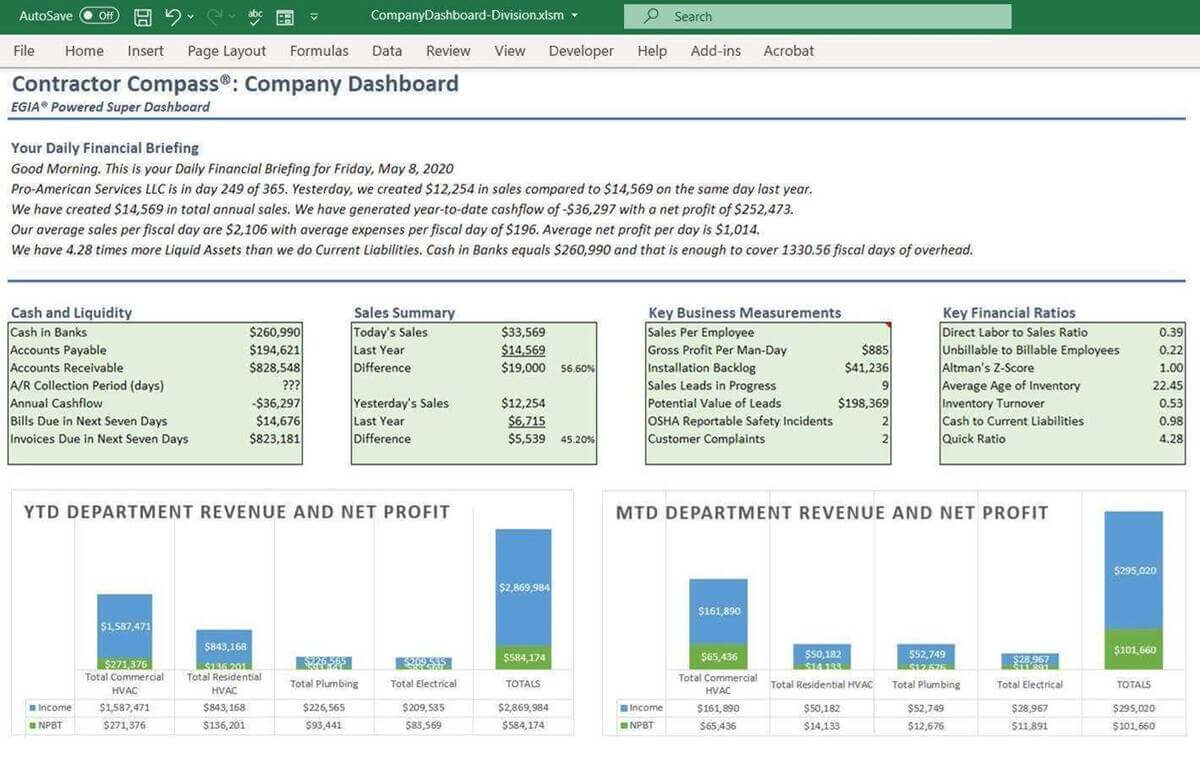
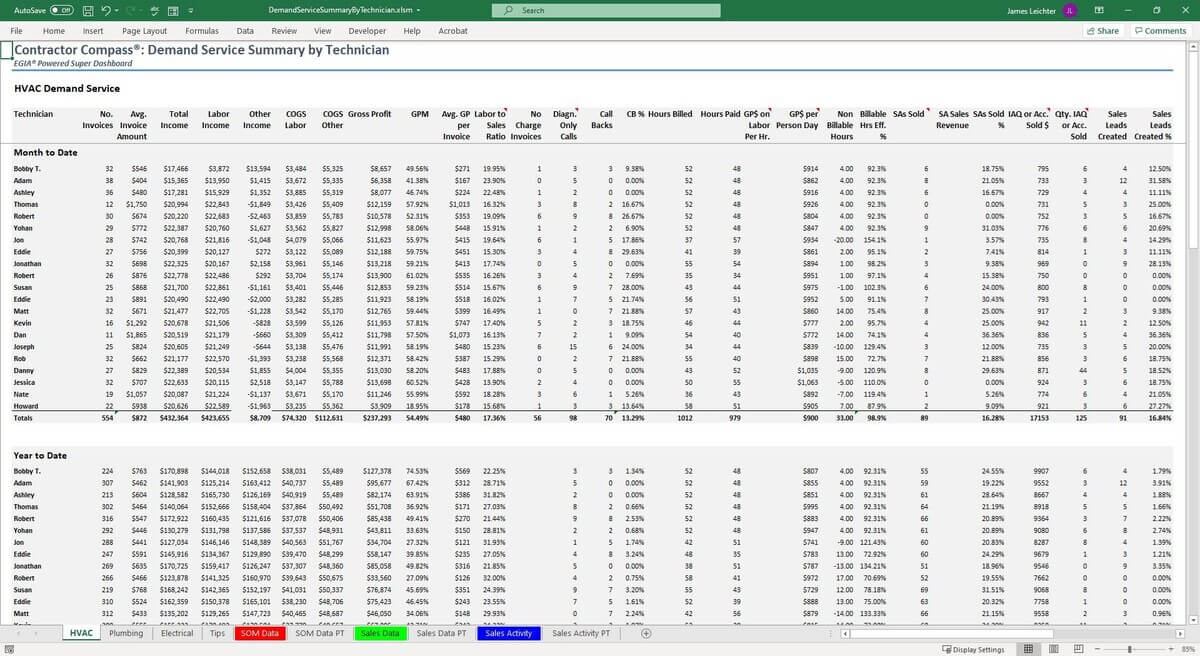
- Track profitability by department and technician.
- Automatically sync with Total Office Manager.
- Optimize resource allocation with data-driven insights.
Description
Contractor Compass is the ultimate add-on for Total Office Manager. This Excel-based tool is built on EGIA’s best practices, offering a year’s worth of financial seminars packed into an easily understandable format.
With Contractor Compass, there’s no need to worry about data gathering, calculations, or benchmark lookups.
Experience deep insights into your company with:
- fully departmentalized income statements, KPIs, and KPMs
- financial analysis by department
- sales performance
- dual overhead multipliers
- and much more
In just two clicks, you’ll have an unparalleled understanding of your business, empowering you to make data-driven decisions confidently.
Elevate your efficiency, optimize your operations, and uncover hidden opportunities with Aptora’s Field Service Management Dashboards.

Developed by:
Aptora CorporationOfficial add-on
Get the confidence of in-house development with every official add-on, built to align perfectly with Aptora 360’s core capabilities.
Requirements
- Aptora 360
- Microsoft Excel
- Microsoft Windows 8.1 - 11
Pricing
[Insert Contractor Compass Woocommerce plugin product here]
Frequently asked questions
The dashboards are Microsoft Excel files. These files contain code that queries Total Office Manager, gathers data, and inserts that data into various tabs within the dashboard. That data is used to populate a wide variety of worksheets that include charts, graphs, reports, analysis, KPI’s ratios, and much more. Users can modify or add information as they would to any other Excel spreadsheet file.
At the moment, the only way to add additional information to invoices is to add the information to the workspace's name manually.